Claude Code MCP 实战——shadcn MCP 搭配 React Bits 给 React 项目加组件
本文涉及的 MCP 服务器是 shadcn MCP(由 shadcn CLI v4 内置),React Bits 是作为注册表挂载到 shadcn MCP 上的。
架构说明
首先要理清一个概念:
shadcn MCP 是服务器,React Bits 是内容源。
MCP 服务器只有一个——npx shadcn@latest mcp。它能访问多个注册表(registries),通过 components.json 配置:
1 | { |
每个注册表是一个组件源。shadcn MCP 的 7 个工具(搜索、浏览、安装)统一操作所有注册表——不管是 shadcn 官方的 UI 组件还是 React Bits 的动画特效。
注册表总览
@shadcn — 基础 UI 组件
405 个 UI 组件
button、card、avatar、badge、separator、dropdown-menu、tooltip、kbd、dialog、sheet、table、tabs、form、input 等。基于 Radix UI / Base UI 原语。
@react-bits — 动画特效组件
来自 React Bits,一个收录 135+ 动画 React 组件的资源库。通过 shadcn MCP 可浏览其全部组件。
520 个组件(每种组件提供 JS/TS + CSS/TW 四种变体)
| 分类 | 典型组件 |
|---|---|
| 背景 | Aurora(极光渐变)、Dither(复古噪点)、Silk(柔和波浪)、DarkVeil(暗黑遮罩) |
| 文字 | ASCIIText(ASCII 动画文字) |
| 鼠标 | BlobCursor(液泡光标)、Crosshair(十字光标)、ClickSpark(点击粒子) |
| 动画 | AnimatedContent(滚动入场)、FadeContent(淡入淡出) |
| 视觉效果 | GlareHover(炫光悬停)、ElectricBorder(带电边框)、Cubes(3D 立方体) |
MCP 工具一览
shadcn MCP 提供 7 个工具,对所有注册表统一适用:
| 工具名 | 功能 |
|---|---|
get_project_registries |
查看当前项目配置了哪些注册表 |
list_items_in_registries |
分页列出某注册表下所有可用组件 |
search_items_in_registries |
模糊搜索组件(跨注册表) |
view_items_in_registries |
查看组件详情(类型、文件数、依赖) |
get_item_examples_from_registries |
获取组件的完整示例代码 |
get_add_command_for_items |
生成 npx shadcn@latest add 命令 |
get_audit_checklist |
添加组件后的检查清单 |
环境搭建
第一步1. 配置 components.json
在项目的 components.json 中添加 @react-bits 注册表:
1 | { |
2. 初始化 shadcn MCP
1 | npx shadcn@latest mcp init --client claude |
@shadcn 注册表是内置的,无需手动添加。
3. 重启 Claude Code
重启后即可用自然语言操作两个注册表。
实战一:用 @shadcn 给项目加 UI 组件
以一个 React + TypeScript + Vite 的个人主页为例。
初始化 + 搜索 + 安装
完整流程
1 | # 1. 查看注册表 — get_project_registries |
踩坑: Windows 上 shadcn v4.7+ 路径解析有问题,组件会生成到字面路径 @/components/ui/ 而非 src/components/ui/。降级到 v4.6.0 解决:npx shadcn@4.6.0 add ...
项目改动
文件改动明细
| 文件 | 操作 | 说明 |
|---|---|---|
vite.config.ts | 修改 | @/ 别名 + Tailwind Vite 插件 |
tsconfig.app.json | 修改 | baseUrl + paths |
src/index.css | 修改 | @import 'tailwindcss' |
package.json | 修改 | 13 个新依赖 |
components.json | 新建 | shadcn 配置 + @react-bits 注册表 |
src/lib/utils.ts | 新建 | cn() 工具函数 |
src/components/ui/ | 新建 8 文件 | button, card, avatar, badge, separator, dropdown-menu, tooltip, kbd |
src/App.tsx | 修改 | 包裹 TooltipProvider |
src/components/Sidebar.tsx | 修改 | Avatar + Button + Separator |
src/components/HelloHero.tsx | 修改 | Badge + Tooltip + Kbd |
src/pages/ArticlesPage.tsx | 修改 | 元信息 Badge 化 |
src/pages/PostPage.tsx | 修改 | 元信息 Badge 化 |
视觉效果
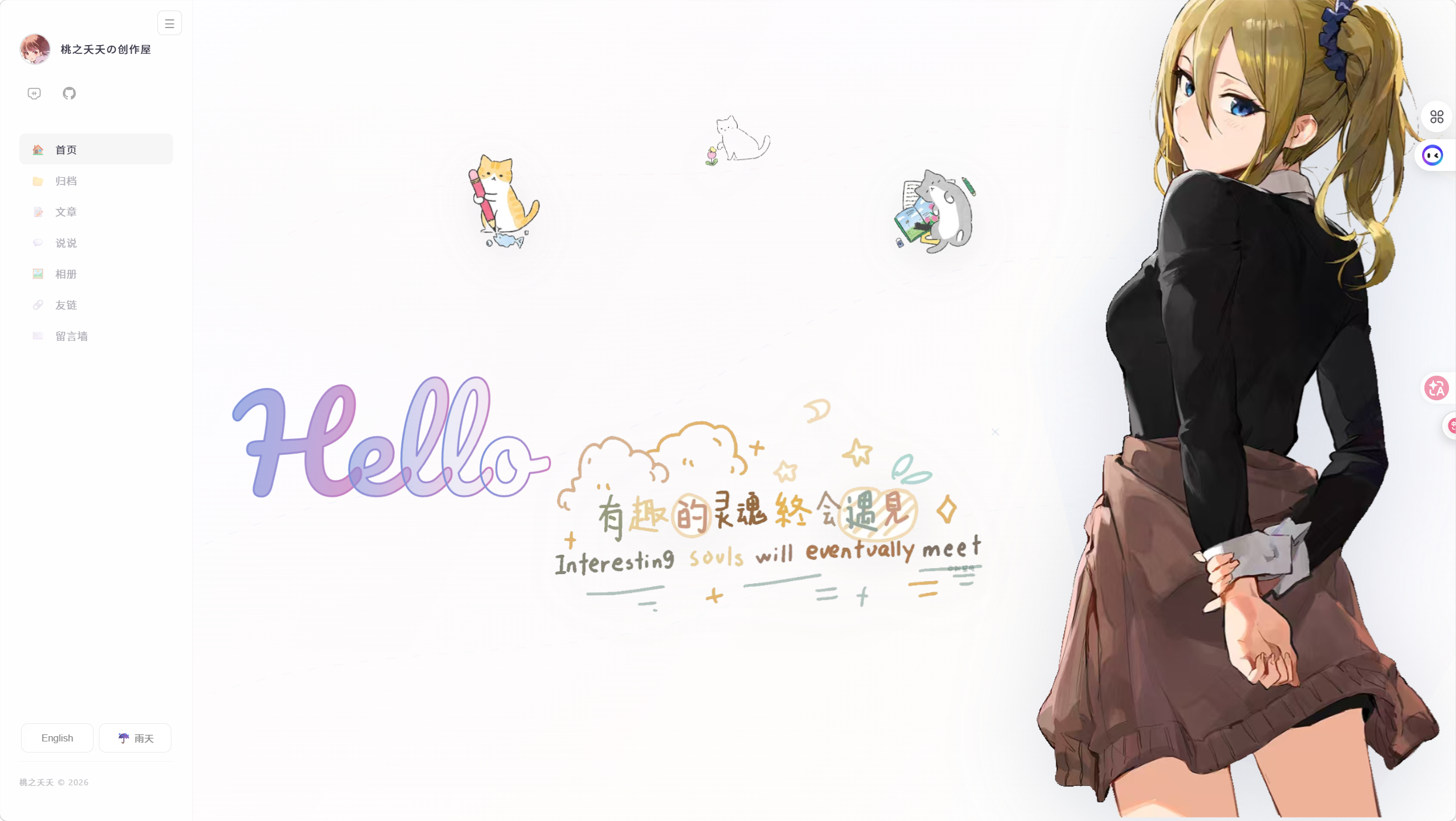
侧边栏: 头像改用 shadcn Avatar(加载失败显示 “TZ” 兜底)、按钮改用 Button variant="ghost"(hover 灰底)、新增 Separator 分隔线
首页 Hero: Hello 大标题下方新增 博客 画廊 关于我 标签,”关于我” 带悬浮提示
文章列表 & 详情: 日期/字数/阅读量/阅读时长从灰色字变为 Badge 标签(secondary + outline)
实战二:浏览 @react-bits 动画组件
配好 @react-bits 注册表后,搜索 React Bits 的动画组件:
React Bits 搜索演示
1 | # 列出 @react-bits 组件 |
例如要给首页加一个 Aurora 极光背景,直接用 MCP 获取安装命令:
1 | npx shadcn@latest add @react-bits/Aurora-TS-TW |
总结
shadcn MCP 是三合一的东西: UI 组件(@shadcn,405 个)+ 动画特效(@react-bits,520 个)+ 示例代码,全部在同一套 MCP 工具里操作。不需要切浏览器、不需要手写 CLI,自然语言直接完成搜索→预览→安装→审计。
核心收益:
- 省时 — 不用手动搜组件名、翻文档
- 准确 — MCP 返回的命令可直接复制或让 AI 自动执行
- 规范 — 审计清单确保组件添加后无遗漏项
参考链接
- React Bits 官方(MCP 配置指南) — 本文的
@react-bits注册表来源,520 个动画组件 - shadcn/ui MCP 官方文档 — MCP 服务器安装与配置详情
- shadcn CLI v4 更新日志 — 2026 年 3 月发布的 CLI v4,首次内置 MCP